Pizza Tools is free and open source. Import manifests by drag and drop, browse and remove Lua entries, and customize the interface with your own colors.
Select any screenshot to see the interface in more detail.
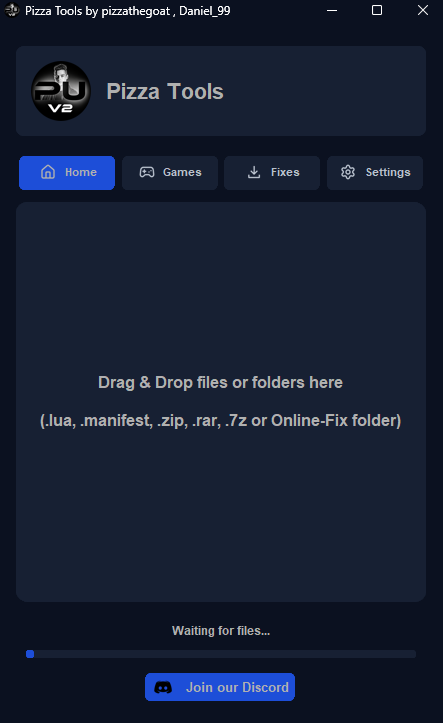
Drop Lua files, manifests, or archives to import them.
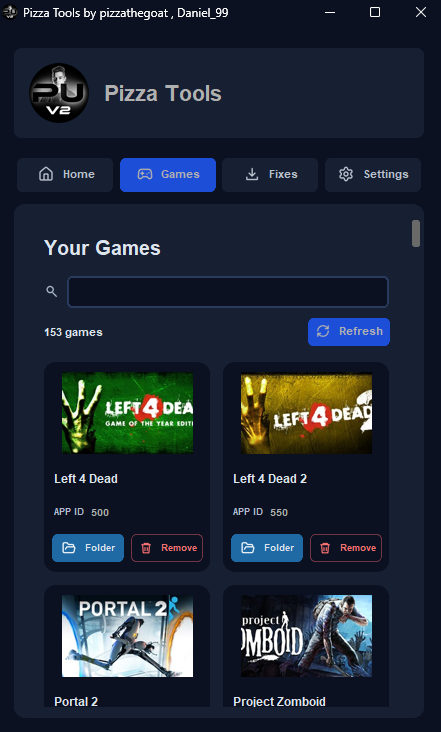
Search by name or App ID, browse covers, and manage Lua files.
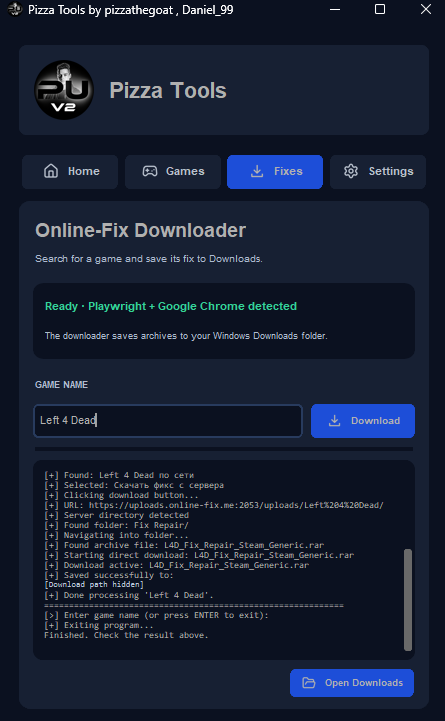
Find a fix and follow the download in the log.
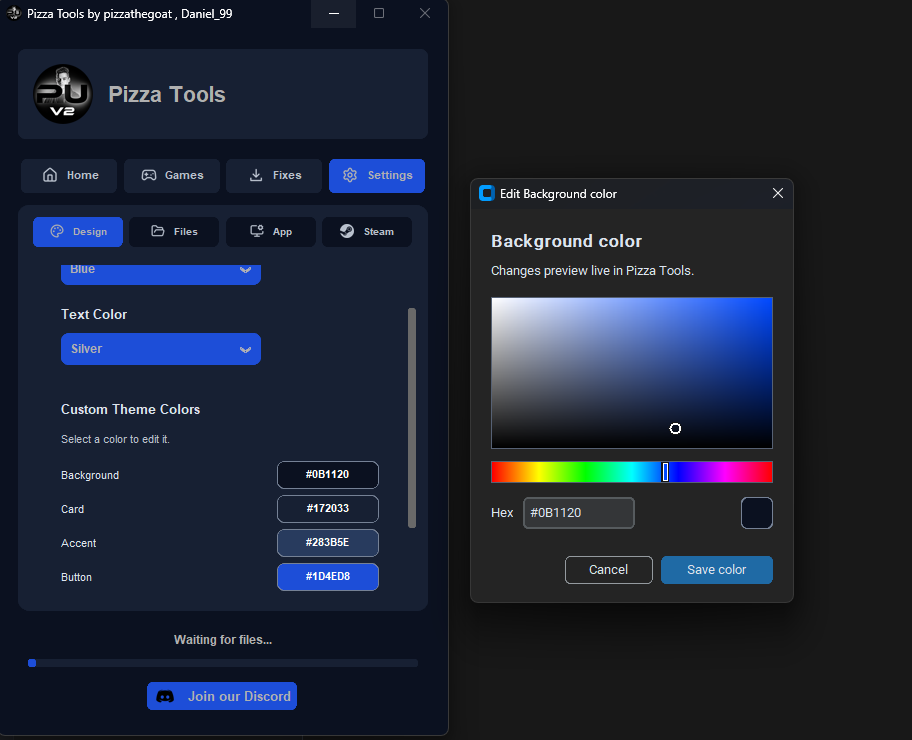
Choose a color with the picker or enter a hex value and preview it live.

Use the floating logo to drop files or open the quick menu.
The core injection engine is BetterSteamTools (open-source on GitHub). It handles manifest generation, .lua extraction and depot cache placement. PizzaTools does not reimplement this logic.
PizzaTools is a Python desktop app (Tkinter/PyQt) that calls BetterSteamTools CLI commands in the background. Drag & drop and path management are handled here.
Drop a game archive onto the window. PizzaTools extracts it, calls the backend, and injects the manifests into Steam's local depotcache and stplug-in directories.
Once the manifests are in place, the local Steam client sees the game entry and displays it in your library. PizzaTools itself does not modify Steam's memory or process.
No terminal commands. Drag & drop interface with status bar, progress indicator and one-click game removal.
The tool is on GitHub. Game archives and .lua files are distributed through our Discord server.
Powered by BetterSteamTools on GitHub. Full transparency — inspect the backend logic yourself.
Python 3.10+ is required. Follow these steps to set up PizzaTools.
Download from python.org (64-Bit). During installation, enable pip and check "Add Python to PATH".
Get the latest release from the Pizza Tools GitHub repository.
Open Pizza Tools on GitHub
Extract the ZIP, then double-click RUN THIS BAT !.bat. Dependencies install automatically.
Double-click main.pyw. The app window opens with a drag-and-drop area.
Game archives and .lua files are distributed via our Discord server. Join to access the archive channel, then drag them into PizzaTools.
The Pizza Tools application is hosted on GitHub. Use the "Pizza Tools" button in the navigation or the download link on this page. The GitHub repository is the only official source for the tool itself.
Game archives and .lua files are distributed through our Discord server. Join via the invite link and check the archive channel. The tool is separate from the files.
PizzaTools is a graphical user interface (GUI) for BetterSteamTools, an open-source manifest injection tool hosted on GitHub. PizzaTools itself does not implement the injection logic — it provides a clean desktop wrapper for drag & drop, path management and game removal.
Supports .zip, .rar, .7z archives, .lua scripts, .manifest files, and Online-Fix game folders. The tool auto-detects formats and extracts the necessary manifest and payload files.
Games appear in the library after manifest injection. Launching requires valid game files (depot content). For offline single-player, this works with the correct manifests and keys. For online multiplayer, Online-Fix patches (available for many games) allow playing on community servers or with friends through Steam's networking. However, official servers with server-side authentication (e.g., MMOs, competitive matchmaking) still require a legitimate license. Results vary by game.
Use the "Remove Game (by Game ID)" feature in Settings. Or remove the Manifest/ lua files in depotcache/stplug-in directory.
Yes, PizzaTools is Windows-only. It uses Windows-specific registry, process management, and file system features. Currently no Linux or macOS support.

Join our Discord server to access game archives (.lua files), get help, and stay updated. The Pizza Tools application itself is available on GitHub.